
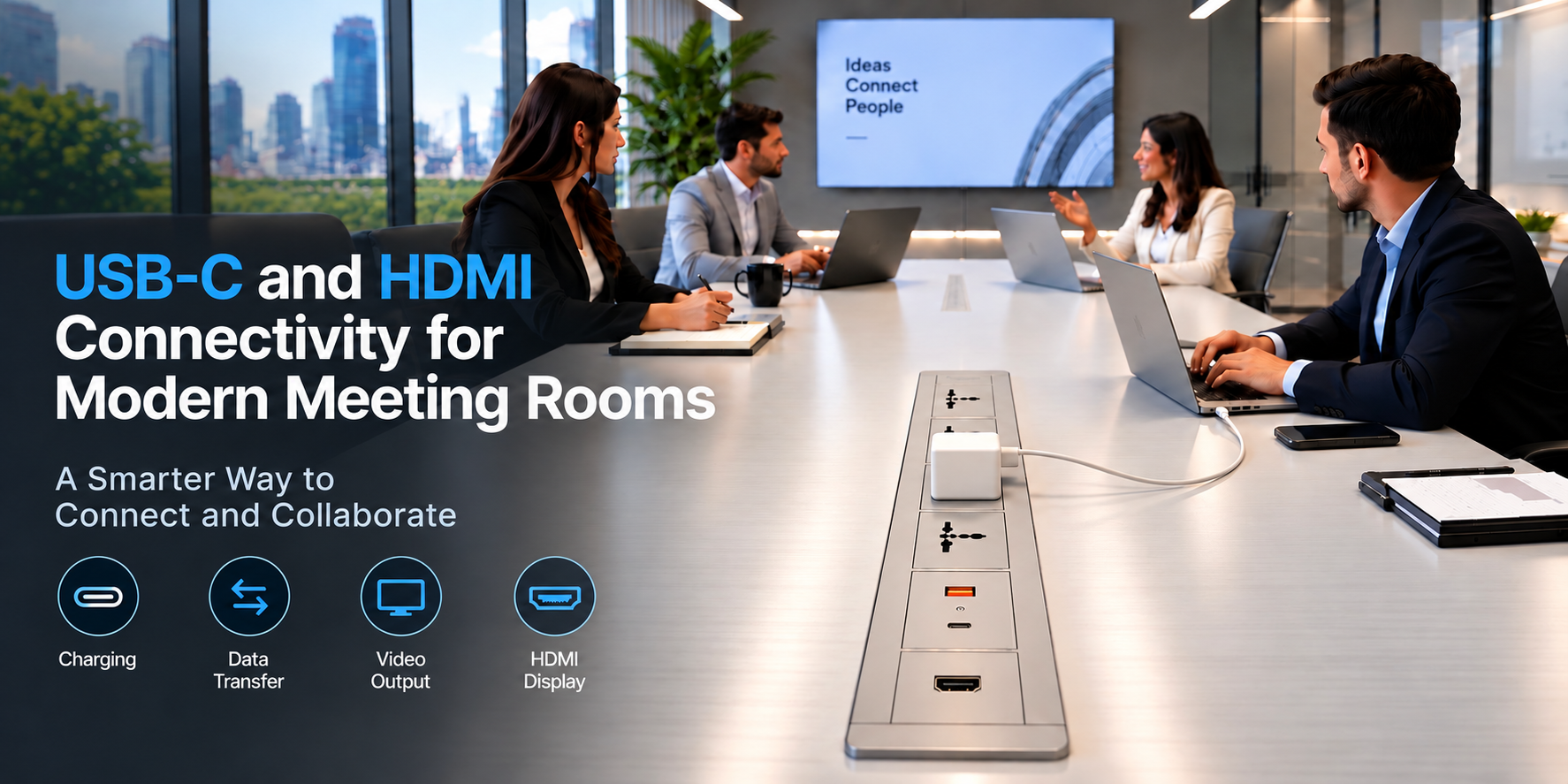
USB-C and HDMI Connectivity for Modern Meeting Rooms is the basic need now. Modern meeting rooms are designed to support seamless communication, hybrid meetings, presentations, and teamwork. Yet even the most sophisticated conference room becomes frustrating when connecting a laptop or sharing a presentation takes multiple adapters and tangled cables.
This is where USB-C and HDMI connectivity solutions play an important role. By integrating these connections into meeting tables and conference room furniture, businesses can create cleaner, more efficient, and technology-ready workspaces.
Why Connectivity Matters in Modern Meeting Rooms
Today’s meeting rooms host employees, clients, consultants, and visitors, all using different laptops and devices. A reliable connectivity system lets them connect quickly and focus on the meeting rather than technical difficulties.
Traditional setups often mean cables hanging from walls, extension cords on tables, and adapters that are hard to find. These issues hurt both the appearance and the functionality of a professional workspace.
Integrated USB-C and HDMI connectivity offers a convenient way to connect devices while keeping the meeting environment clean and organised.
1. USB-C: More Than Just a Charging Port
USB Type-C is now a widely used standard across modern laptops, tablets, smartphones, and other devices. Its compact, reversible connector makes everyday use simple. In meeting rooms, USB-C can support several functions, depending on the device, port specifications, and connected equipment.
Key benefits of USB-C connectivity:
- Convenient connection: The reversible connector makes plugging in simple.
- Power delivery: Compatible USB-C ports can charge laptops and other devices when the power ratings are sufficient.
- Data transfer: USB-C can support data transfer between compatible devices and peripherals.
- Video output: Supported ports can transmit video through Display Port Alt Mode or other compatible display technologies.
- Reduced cable clutter: A compatible USB-C connection can combine charging, data, and video in a single cable.
USB-C ports can be integrated into meeting tables, conference desks, and collaborative workstations, making device connections more accessible for everyone in the room.
Important: Not every USB-C port supports video output, high-speed data transfer, or laptop charging. Always check port specifications and device compatibility before selecting a solution.
2. HDMI: A Reliable Standard for Presentations
HDMI (High-Definition Multimedia Interface) remains a popular choice for connecting laptops and other compatible devices to meeting room displays, projectors, and interactive screens. It carries digital video and audio through a single cable, which makes it well suited to presentations, training sessions, video playback, and collaborative discussions.
Why HDMI is useful in meeting rooms:
- Reliable display connectivity: Connect compatible laptops and devices to conference room screens.
- Audio and video transmission: Carry supported digital audio and video over one cable.
- Broad compatibility: HDMI is supported by a wide range of displays, projectors, and presentation equipment.
- Straightforward operation: Users can connect a compatible HDMI cable without configuring a complex system.
- Flexible installation: HDMI connections can be built into meeting tables, wall plates, floor boxes, and AV connection panels.
For larger conference rooms, consider the HDMI cable specification, cable length, resolution, refresh rate, and any required signal extenders at the design stage.
3. USB-C vs HDMI: Which Is Better for Meeting Rooms?
USB-C and HDMI serve different purposes, so the right choice depends on your equipment and how the room will be used.
| Feature | USB-C | HDMI |
| Primary use | Data, charging, and video where supported | Audio and video transmission |
| Laptop charging | Supported with compatible power delivery equipment | Not intended for laptop charging |
| Data transfer | Supported according to port specifications | Not a general-purpose data connection |
| Display connection | Requires compatible video output | Designed for audio and video |
| Connector design | Compact, reversible | Dedicated display connector |
| Best application | Modern laptops and multifunction connectivity | Displays, projectors, and AV systems |
The best approach is often to provide both USB-C and HDMI. USB-C supports modern laptops and multifunction connectivity, while HDMI offers a familiar, dedicated connection for display equipment. Offering both gives participants more flexibility and reduces dependence on individual adapters.
4. Integrating USB-C and HDMI into Meeting Tables
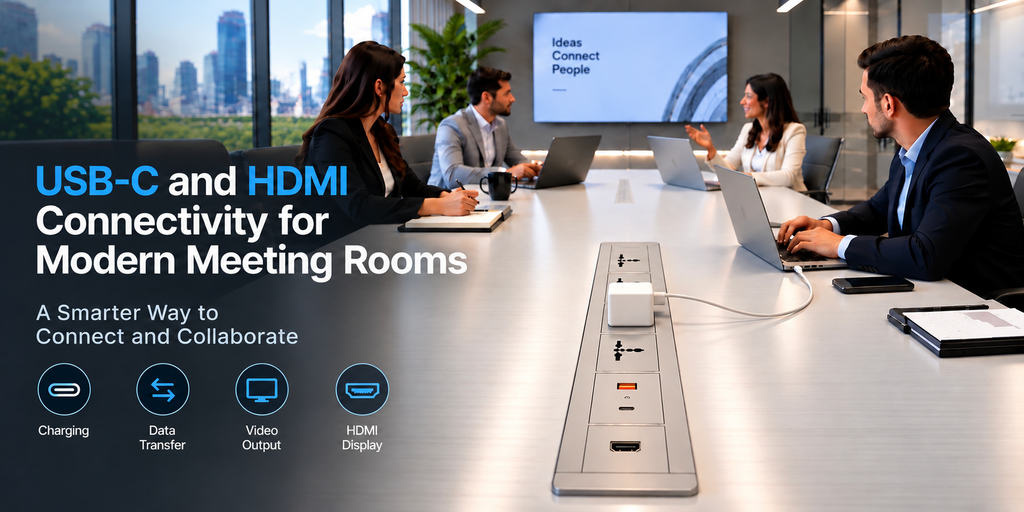
A well-designed meeting room makes connectivity accessible without compromising aesthetics. Table-integrated solutions let users connect directly at the table instead of searching for wall sockets or reaching behind furniture.
Depending on the room’s requirements, an integrated table connectivity unit can include:
- USB-C charging ports with suitable power delivery
- USB-C data or video connectivity, where supported
- HDMI connections for displays and projectors
- Electrical power sockets
- USB-A charging or data ports, where required
- Cable management provisions to keep the workspace organised
These solutions work especially well in boardrooms, executive meeting rooms, client presentation areas, training rooms, and collaborative workspaces. For architects and interior designers, integrated connectivity also keeps the tabletop clean and supports a more professional interior finish.
Explore Connect System’s meeting room solutions such as Table Connect, Flip Connect, Turn Connect, Pull Connect, and Mount Sliding Connect. All products offer USB-C and HDMI Connectivity.
5. Creating a Better Hybrid Meeting Experience
Hybrid meetings need seamless interaction between people in the room and those joining remotely. USB-C and HDMI connections support the presentation side of this by helping users connect laptops to compatible displays and AV equipment. Combined with conferencing cameras, microphones, speakers, and room-control systems, they contribute to a more efficient meeting environment.
A thoughtfully planned connectivity system can help users:
- Start presentations with fewer connection delays
- Share documents and visual content more conveniently
- Connect compatible laptops to larger displays
- Reduce visible cables across the conference table
- Enjoy a consistent experience as employees or visitors
The result is a meeting space that is easier to use and better suited to modern business communication.
6. What to Consider Before Choosing a Meeting Room Connectivity Solution
Before specifying USB-C and HDMI connections, keep these factors in mind:
- Device compatibility: Confirm the USB-C video, data, and charging capabilities required by the laptops and devices in use.
- Charging requirements: Select an appropriate USB-C Power Delivery rating based on the intended devices and their charging needs.
- Display requirements: Verify the HDMI version, supported resolution, refresh rate, cable length, and signal transmission requirements.
- Table design: Choose a connectivity unit that complements the table and gives convenient access without obstructing users.
- Cable management: Plan cable routing and access to power and AV infrastructure during the furniture and electrical design stages.
- Future readiness: Consider the evolving requirements of laptops, displays, conferencing systems, and workplace technology.
Working with the architect, MEP consultant, IT team, and AV integrator during the planning stage helps ensure the system meets the actual requirements of the room.
Conclusion: USB-C and HDMI- Smarter Connectivity for Smarter Workspaces
USB-C and HDMI are valuable components of modern meeting room connectivity. USB-C offers multifunctional connectivity for compatible devices, while HDMI provides a dedicated and widely used interface for digital audio and video.
When integrated thoughtfully into meeting tables and conference room furniture, these connections help create organised, functional, and technology-ready workspaces. For businesses planning new offices or upgrading existing conference rooms, the right combination of connectivity, power access, and cable management makes everyday collaboration simpler and more professional.
Connect System India provides electrical connectivity and cable management solutions designed for modern workspaces. By considering connectivity requirements at the design stage, organisations can create meeting rooms that combine functionality, convenience, and clean aesthetics.
Explore our social media channels also for meeting room connectivity and table integration solutions.